Showing posts with label mobile apps. Show all posts

Tuesday, December 26, 2017

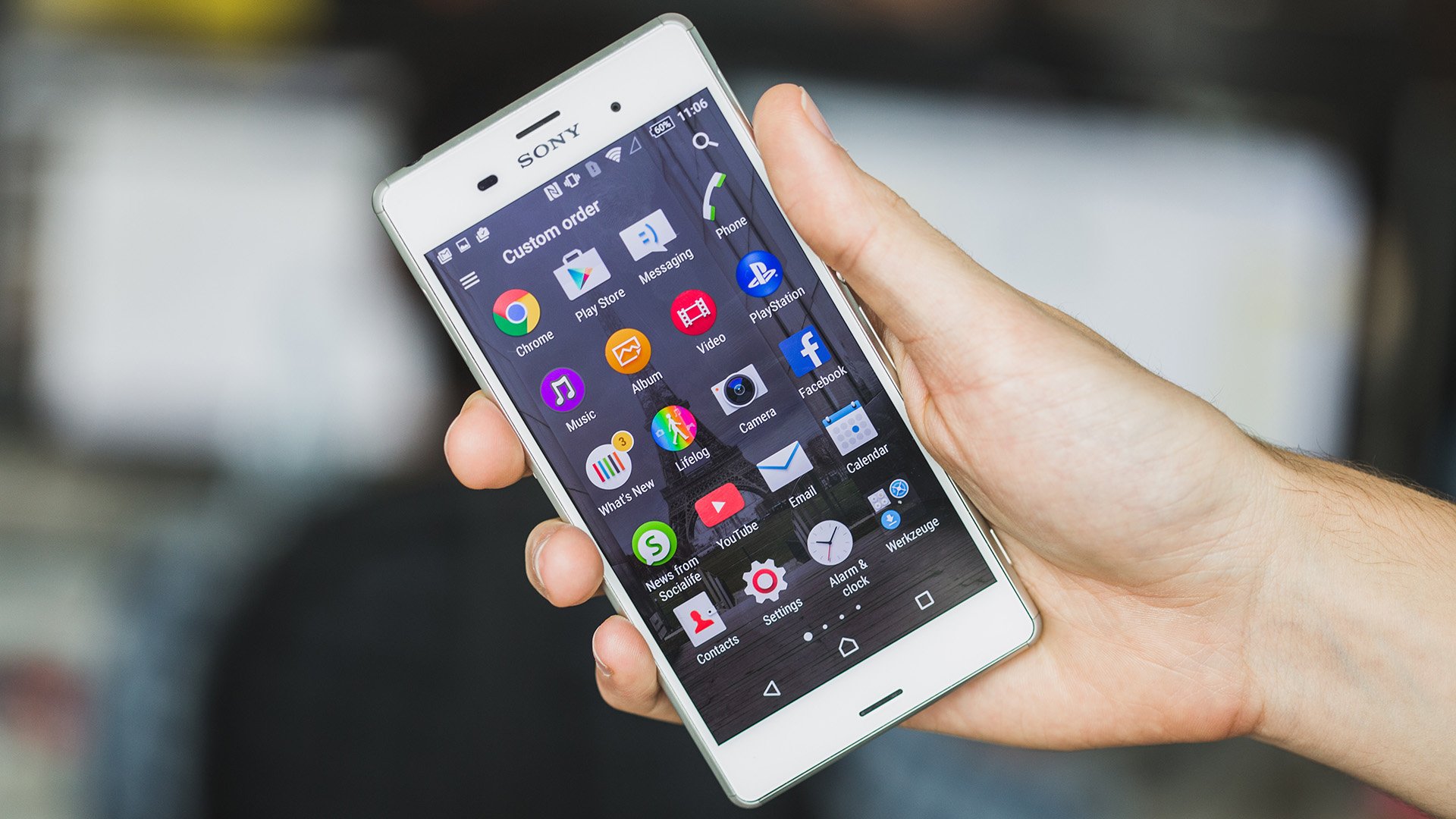
How to organize apps on your smartphone

There’s no single correct method to organize the apps on one’s smartphone or pack those icons neatly in phone folders. But there are ways to arrange them such that they become not only aesthetically pleasing but also efficiently categorized or organized. Here are some tips and tricks to follow.

Image source: Pixabay.com

Arrange folders by theme: Go by themes such as social media, travel, or shop; if one has kids who favor gaming apps, dump all those games in there. To find those folders more quickly, use the search function for Android. For iPhones, access the search function by going to the home screen and scrolling all the way to the left. At the top is a search bar for looking up any app. 

Delete unused apps: This is one of the easiest, handiest ways to declutter one’s mobile phone interface. Do this regularly to increase storage space, get better organized, and actually extend battery life. If a mobile app has not been used in a month, it is considered non-essential. Others would consider six months or so months as the basis for deleting apps, so it would still depend on what one thinks is a healthy span of time to keep an app. 

Sort those apps: With all of one’s apps on the Home screen, put them in an arrangement one wishes simply by pressing an app and dragging it wherever preferred. The first screen might best have all of the most important apps, while social apps are best kept together and not mingling with essential work or study apps. Arrange them alphabetically, by color, or whatever feels right.

Image source: Pixabay.com 

Taihwa Terry Ho is a consummate technophile and a tech entrepreneur focused on app development startups. More on his interests here.

Thursday, November 30, 2017

Online calendar apps to get you organized in the new year

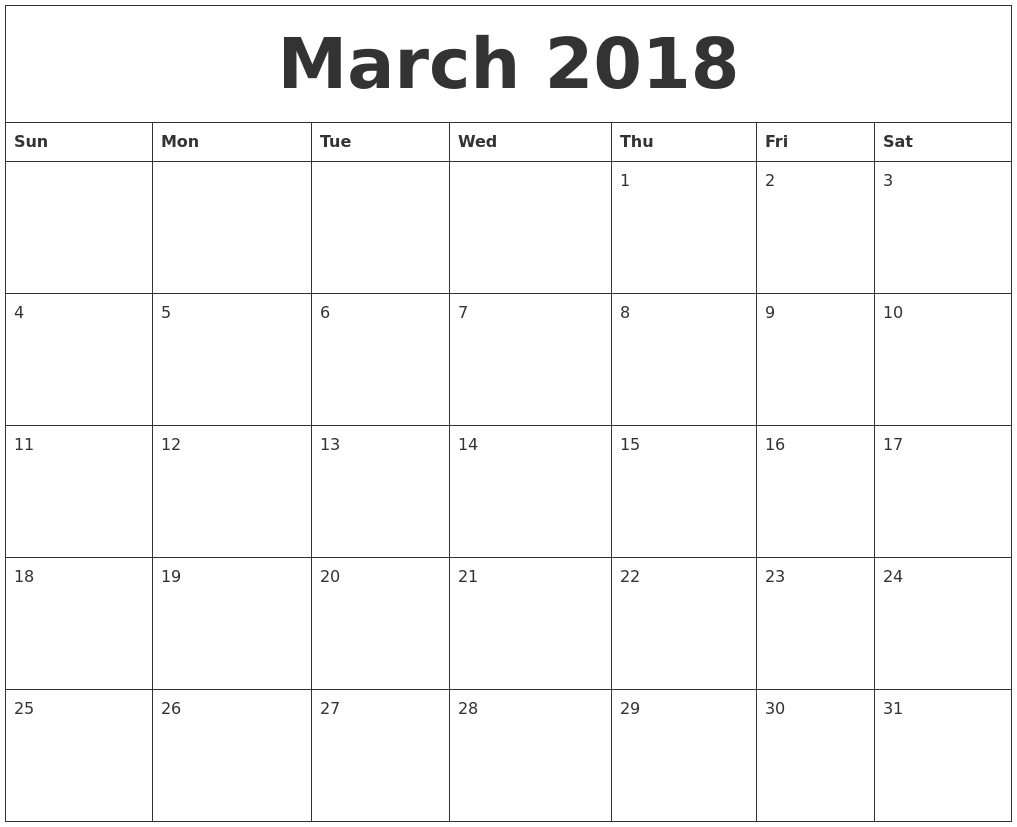
A good calendar serves as a great personal assistant, especially for small business owners, freelancers, and entrepreneurs. It’s one way to avoid missing appointments, forgetting birthdays, and disregarding deadlines – all while one stays online and clutched to one’s smartphone. 

Image source: AndroidCentral.com

There’s an abundance of calendar apps for both IoS and Android on the market today, but here’s a quick list to get one started. 

Fantastical 2 (IoS) 

Compatible with the iPhone, iPad, and Apple Watch, this calendar app boasts new hardware features such as 3D Touch and Force Touch. It also supports multiple languages, allows users to use speech for reminder creation, and supports use of simple text phrases for making reminders and alerts. 

CloudCal (Android) 

Its unique feature is called Magic Circles, which turns the days of the month into clock faces and shows various colored circles (or circle segments). Every one of them corresponds to the tasks scheduled for that day, seeking to give users a picture of what their day would be like and the amount of free time in between tasks. 

Google Calendar 

This app remains the dominant shared online calendar app, and for a good reason: it lets users have separate calendars of corresponding colors for different aspects (from work to family to birthdays). All calendars are shareable, and the app itself can be the back end to any other calendar the user intends to use. 

Microsoft Outlook 

Ideal for businesses, Outlook’s calendar is highly similar to Google’s, but also integrates with the email app so they can be viewed together in one place. The only downside is if it’s not packaged with outer Microsoft products, it may have a pretty hefty price in light of free alternatives out there. 

Image source: CalendarZoom.com  

Trello 

While a widely used project management tool, Trello offers a great calendar feature where people can discuss tasks and collaborate, assign to-do’s, and track different things. Online scheduling is flexible all the way. Taihwa Terry Ho is a capital investor and technophile. Learn more on this page.

Thursday, June 15, 2017

Essential Android Apps To Get In 2017

Choosing from tons of apps for your Android phone depends mainly on their suitability for your lifestyle. A lot of sites offer a master list of sorts, but it might be better to base your downloading decisions on your specific interests or hobbies. Hereunder are several must-have apps (meaning those you would most likely use) for your smartphone.

Image source: androidpit.com


Gmail

Everybody should have a Google email account, if only as backup email. It makes everything more centralized and synchronized with other Google apps, and the interface is a lot more user-friendly than, say, Yahoo or most company-specific accounts.


Amazon

For an important alternative to the Google Appstore (which often comes pre-installed in Android phones), get Amazon and its premium version Amazon Prime, which offers cool features like grocery shopping online and fast delivery. It can in the long run save you more money to have both app stores installed.


Twitter and Facebook

Social media users will most likely have accounts in these, and having them will allow you to keep in touch with family and friends. News often break and spread faster in social media, too, so for 24/7 awareness of what’s happening, FB and Twitter are a must.


Trip Advisor

If you’re planning on traveling, this app offers heaps of ease and convenience including booking options, lowest airfare, hotel rates, and offers a huge database of must-visit landmarks and suggested itinerary in your destination.

Image source: techgyd.com

My name is Taihwa Terry Ho, a capital investor and technophile.  I frequently invest in app development and other tech innovations.  Read more about my adventures in the app industry via my Facebook page.

Tuesday, June 21, 2016

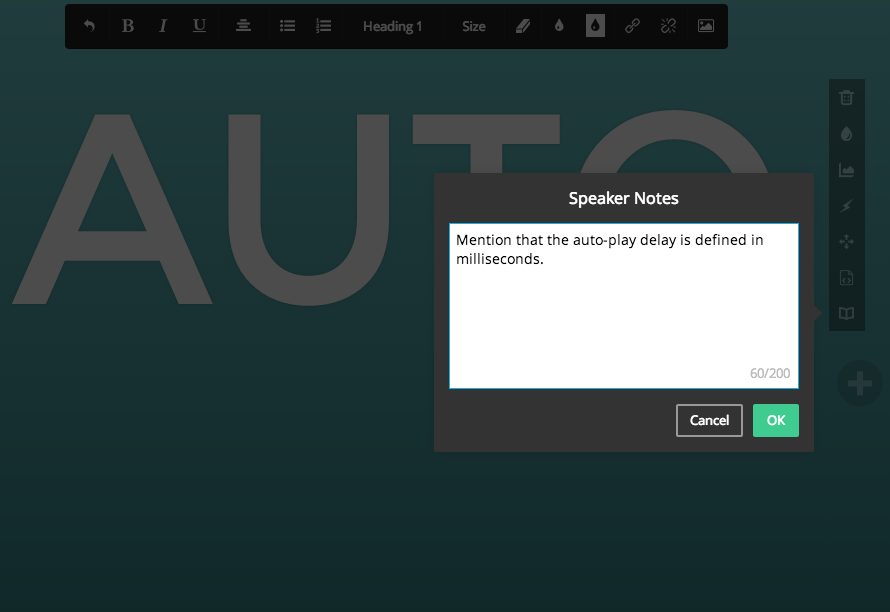
No Keyboards Needed: Presentation Apps For People On The Go

A lot of office workers think that a killer presentation can only be done with a desktop or a laptop. But with everything in the palm of our hands, it is indeed possible to do an impressive presentation using just a smartphone or a tablet.
In the absence of PowerPoint and Keynote, there are a lot of other apps that can give the same (or better) results. Impress your clients with these apps for your presentation on the go.

Image source: help.slides.com
 
Quickoffice: Quickoffice is Google’s mobile office suite that offers presentation templates for smartphone and tablets. Users can create slideshows from different preset layouts. Photos, videos, and charts can also be attached to the presentation. 

SlideShark: SlideShark is available in standard and team editions. People can access the app through their mobile devices, desktops, and laptops. It can convert files into tablet ready format without compromising graphics, fonts, and animations. 

Prezi: Prezi is a cloud-based application, which means users can access it through multiple hardware like laptops, computers, tablets, and even mobile phones. It is perfect for those who like to use a concept-map-like theme for their presentations. It is available for offline viewing. 

Image source: virtualwizard.com
 
Speaker Deck: This app converts slides into lightweight, embeddable PDF format so it can be easily shared online. It may have fewer options as compared to its competitors, but users will love how the files are lightweight and can be ready to be viewed in gadgets like e-readers and smartphones. 

Hi, I’m Taihwa Terry Ho. Learn more about the latest productivity apps when you follow me on Twitter.

Wednesday, June 8, 2016

The Advantages Of Educational Mobile Apps For Kids

Image source: indianexpress.com
A lot of teachers and developmental specialists advise parents to veer from exposing children to mobile devices while they are in their early years. But when children reach school age (3 to 4 years old), the use of mobile devices and apps can aid them in learning different foundational skills.

Improved literacy

Studies show that children who use mobile devices for apps, videos, and other media have improved literacy. It readies children to perform in school and exposes them to activities like reading, writing, and counting.

Greater motivation

Learning can be fun for kids who enjoy using apps. These apps are designed to keep children motivated and engaged. It’s like hitting two birds with one stone—children are playing while learning.

There are learning apps that produce progress reports every time after their playing sessions, which give parents an idea of what the child has learned and the skills they were taught.

Image source: rt.com
What’s great about these apps is that they are portable and kids can have it wherever they are—at home, in a mall, in a car, or even during a vacation out of town! With educational apps, learning can happen even outside the four walls of the classroom.

I’m Taihwa Terry Ho, and I am fascinated with how technology works for people from all walks of life. Learn more about the latest apps when you visit my Facebook page.


Wednesday, September 23, 2015

Understanding the Risks Involved in Mobile Apps

 As with everything else, mobile apps have their own risks. These challenges need to be recognized, not to dissuade people from developing them but for both investors and developers alike to understand the industry. This would mean more educated decisions and a deeper knowledge of how to work within the market.

Image source: gallerily.com

The mobile app industry is quite different from other industries in that it has grown incredibly fast over a short period. It has blossomed into a worldwide phenomenon that has affected all other industries; and yet, when closely considered, it still relatively a child in terms of growth and potential. That said, people often fail to scrutinize the industry for the inherent risks and what can be done to mitigate them. Too many developers create apps without first considering these risks. For the new capital investor, this could also mean that apps may be supported without proper research.

Image source: techandscience.com

The main risk in mobile apps is security. The basic platform in mobile app development has been so refined that a person with an average amount of talent can create a rather basic app. These apps need not be ugly. In fact, the concept of the app may even have merits. Nevertheless, security is an often neglected area. So where the concept is acceptable, the integrity of the app may be questioned. This is highly important for an app that requires users to input sensitive or personal information. Both capital investors and developers need to acknowledge the necessity of a strong security measurement.

Even with sophisticated security barriers, there is still the risk of hacking. As the industry grows and develops, so does the criminal aspects of it. Again, these cautions are written not to discourage mobile app development but to impress the necessity of proper disclosure between an app developer and his or her capital investor.

Learn more about the mobile app industry by following Taihwa Terry Ho on Twitter.

Monday, August 31, 2015

Mobile trading: Best mobile apps for investors

Like driving, investing is best done with your eyes open. Luckily today, there are mobile apps designed to help investors make sound and reasonable decisions.

If you are planning to invest, here some of the best mobile apps that will surely boost your profits:

Acorns. One of the top choices for first-time investors, Acorns offers a simple and intelligent automatic investment system. Jeff Cruttenden, co-founder and COO of Acorns, describes the app as a unique application for both new and experienced investors who want a quick, easy, and automatic way to invest their money.

SigFig Investing. Listed as one of best personal investment apps for iPhone by iMore.com, SigFig Investing is an easy-to-use personal investment app that collates all your existing investment accounts. The app also shows the user’s current standing in the market and delivers breaking industry news that pertains to your investments. It supports over 100 different brokerages across the country.

Image source: businesskorea.co.kr


Stock Market Simulator. Compared to other apps, the Stock Market Simulator isn’t used as a decision-making tool for actual trading. Rather, it serves as a tool for first-time investors to learn how the stock market works without losing any actual money.

Image source: ygeiagroup.com

Today, there are many mobile applications that can help you get a comprehensive view of the market. Using these apps, you can get personalized news and updates on companies in your portfolio for more effective and efficient investments decision.

Hi! I am Taihwa Terry Ho, a Silicon Valley-based a capital investor with deep interest in app development. Like my Facebook page for more news and features on tech, apps, and social media.

Friday, March 13, 2015

Click to start fresh: How to spring-clean your mobile device

Winter is over, and the sun finally begins to ogle from the clouds. Soon, the crisp air of spring will arrive to summon not only day of cheers, but days perfect for cleaning your homes, offices, and other spaces. It's a good time to give your smartphones a thorough cleanup, too. Here's a brief guide to get you started:

Image Source: macworld.com

First things first, copy and store your files off of your phones. Both iOS (iPhoto, Image Capture) and Android (Windows Photo Gallery) have built-in applications to safeguard all items on your photo and video galleries. How about your contacts, call lists, music, and your current level or status of your favorite gaming app? You can either do file sharing from within iTunes or use third-party tools like DiskAid, Ecamm's PhoneView, or Macroplant's iExplorer, which allows restoring giant loads of data in a few clicks and swipes.


Image Source: groted.com
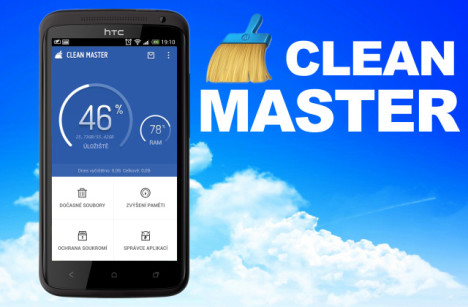
Weed out unnecessary apps, files, and all other digital content that take up precious storage space. Mobile tools such as Clean Master removes spam content, speeds up the processor’s performance, and keeps existing data from viruses, system shutdowns, and other headaches. Likewise, CCleane and History Eraser give smartphones a thorough clean, sweeping off stray files, wiping cache data and empty folders, and deleting browser history and call logs.

Update your existing applications, or better yet, replace outdated apps with new, more responsive ones. Before shopping for new apps and upgrades, check if your apps remain active so that you will be spared from bugs and other issues the moment you decide to avail of the latest version of your operating system.


Image Source: thenextweb.com
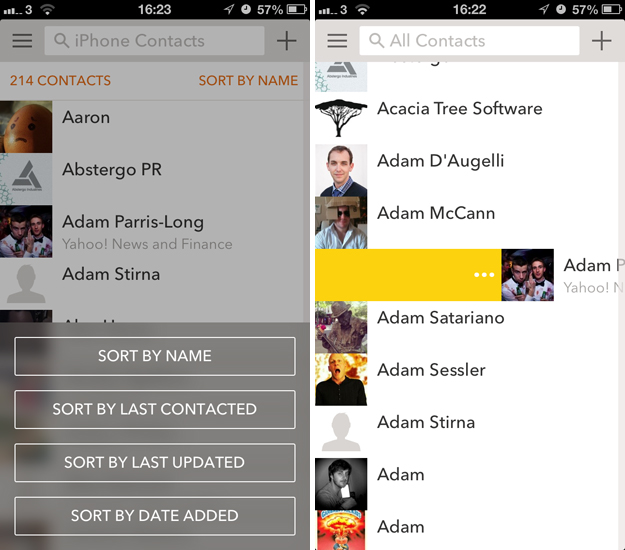
Download apps that can keep your files and organized from hereon. CoBook and Contacts+ organize your phone and social media contacts and group them automatically based on the fields you have encoded. Attachments.me allows for easier search whenever you need to retrieve photos, documents, and other files you sent through Gmail.  

Seeing the promise that mobile technology holds, technophile and rising entrepreneur Taihwa Terry Ho has invested in the development of apps and similar capabilities. Follow him on Twitter to get tips on making the best use out of your gadgets and software.